01
Inline by default
Your prompt and scrollback stay in place. Fullscreen only when you ask for it.
rustcode is the terminal UI the installer puts next to the app. It runs the built-in harness on any model you have configured, including local ones through Ollama, inline by default and fullscreen when you want it.
curl -fsSL https://rustcode.lhagfoss.com/install.sh | bashInstalls the rustcode command and the desktop app. Add --no-app to install the command alone; Linux ARM64 gets the command only.
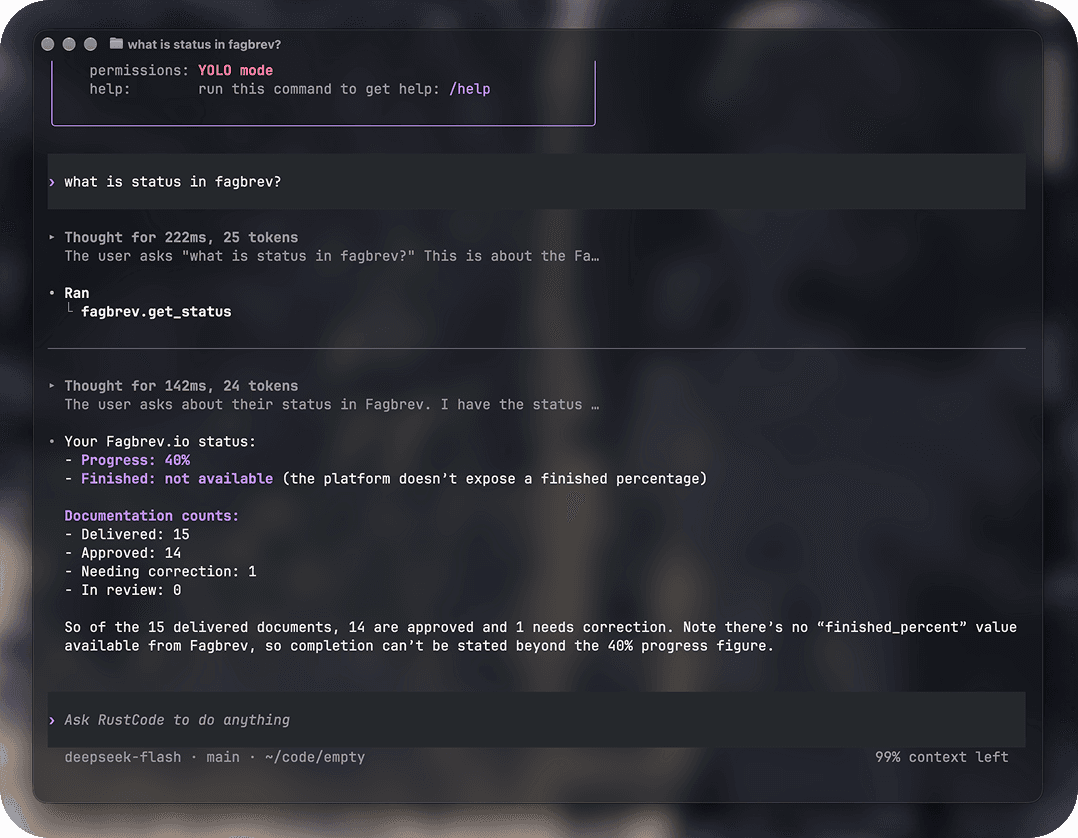
The UI draws in the pane you started it from and leaves your shell history where it was. Fullscreen is opt-in for when the conversation needs the whole window.
Your prompt and scrollback stay in place. Fullscreen only when you ask for it.
The UI, one prompt on the built-in harness, or ACP over stdio for the app.
Bring your own provider, key or local model. Commands run inside an OS sandbox.
The terminal harness and the desktop app share one core and one command.
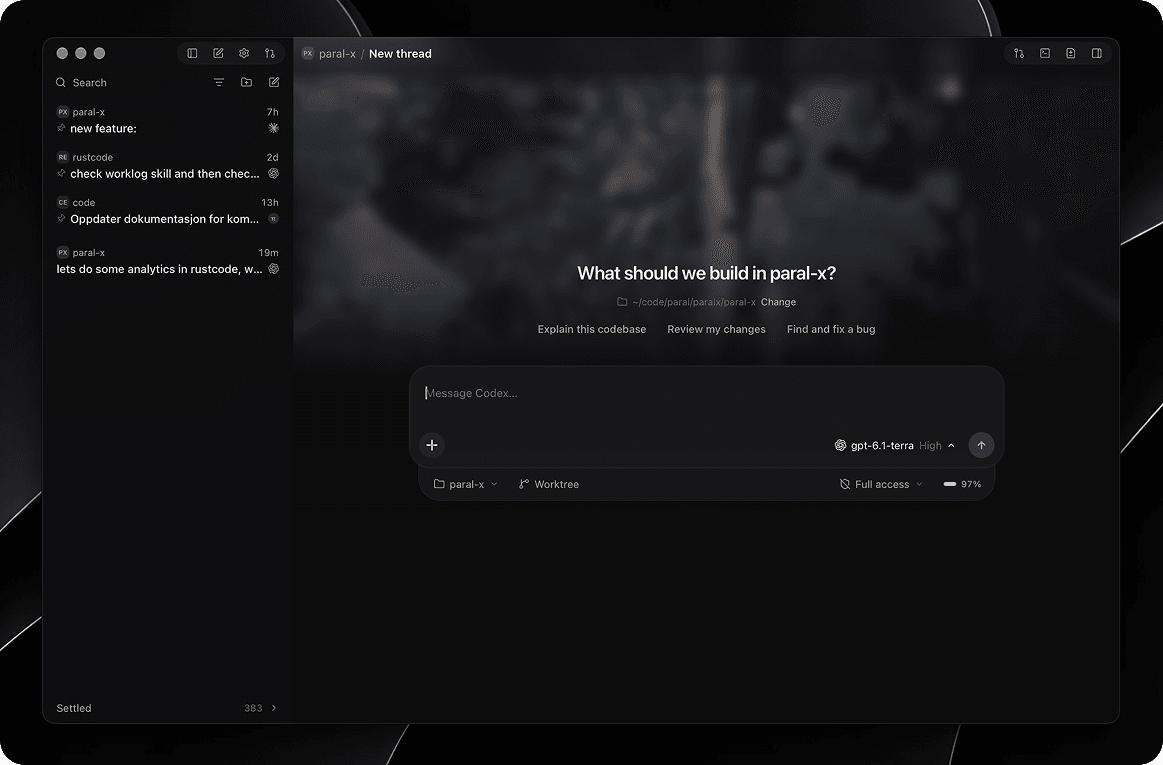
Threads, worktrees, approvals and review, with every agent in one sidebar.
Open the app page →Inline by default, fullscreen when you want it, on any model you have configured.
On this pageOne installer, both surfaces. Add --no-app if the terminal is all you want.
curl -fsSL https://rustcode.lhagfoss.com/install.sh | bashInstalls the rustcode command and the desktop app. Linux ARM64 gets the command only.